
The screen is the record
A page on a computer can show anything. The device reprints the address and the action in its own pixels before a signature is made.
Hardware signing device · Pasadena
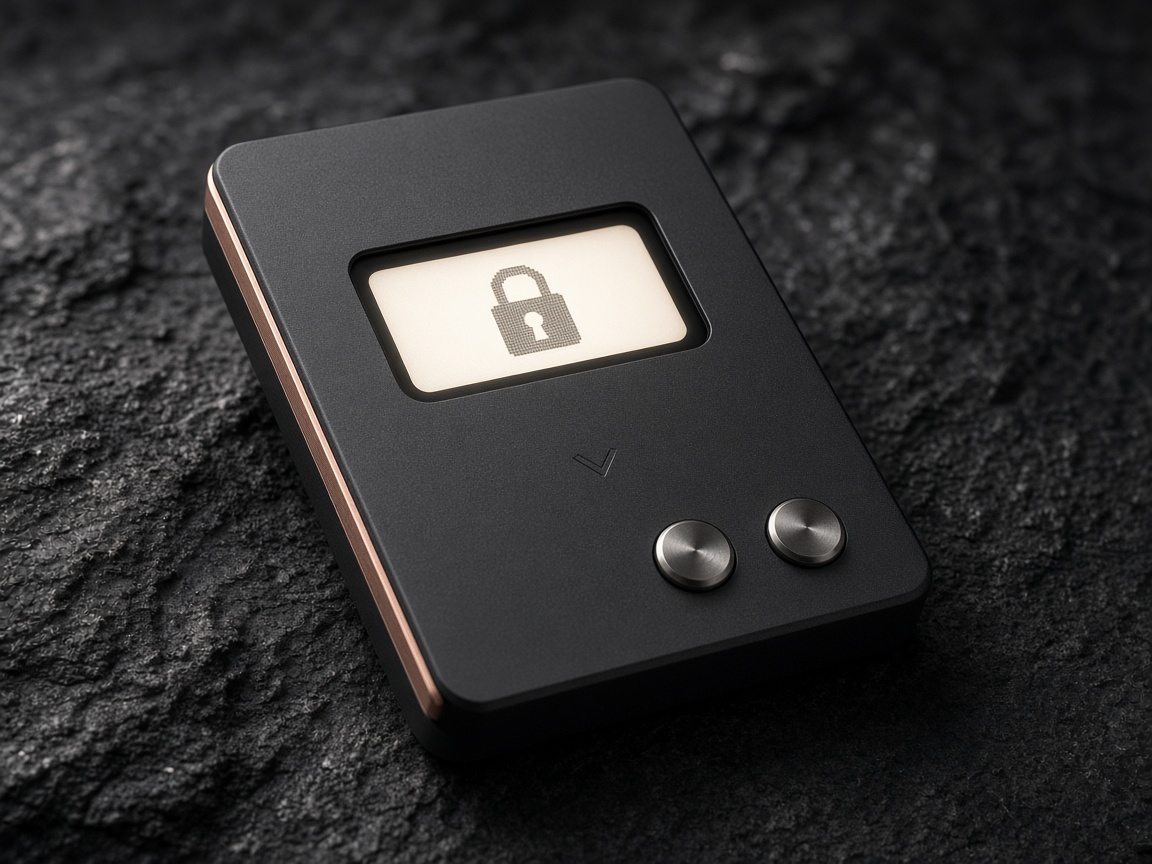
MaxClawOS Wallet is a hardware wallet from KLA Waterman, LLC. The key is created inside a secure element. The screen on the metal shows the session. Two buttons have to agree before a signature leaves.
This is a product monograph. KLA Waterman, LLC does not buy, sell, exchange, or trade crypto assets, and does not keep client keys.
Three decisions
MaxClaw OS is the firmware on the metal. There is no account, no marketplace, and no desk that holds a key for you.
A page on a computer can show anything. The device reprints the address and the action in its own pixels before a signature is made.
The seed is created in the secure element and stays there. The cable carries a request in and a signature out.
The backup is a written card of 24 words. The studio never receives a copy, and we will never ask you to read it aloud.
The object
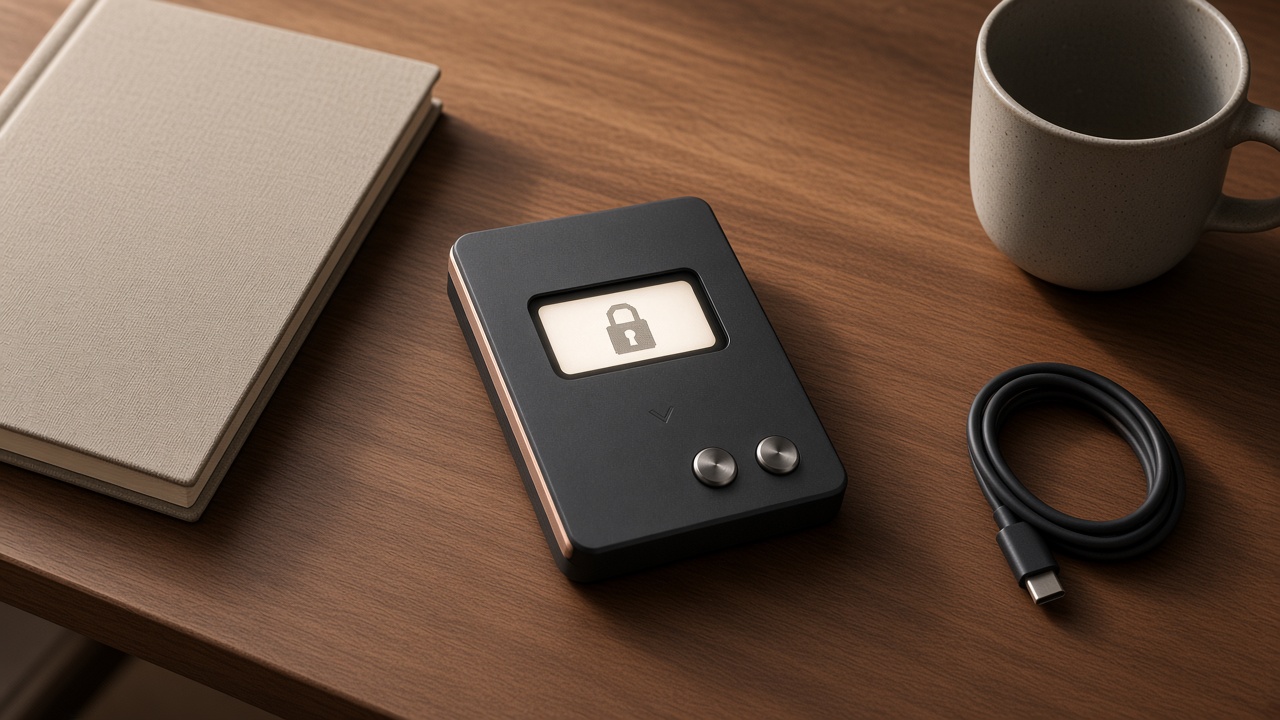
The screen is small on purpose. A signing device should be checked the way you check a payment terminal: held, looked at, then confirmed with a finger on metal. The copper edge is there so the device has a front even when the screen is asleep.
A session
A USB-C cable wakes the device. MaxClaw OS starts on the board, not in the browser.
The computer prepares a request. The device draws its own view of the address and the action.
Both buttons, pressed together, approve the session. The left button alone dismisses it.
Only the signature leaves. The key remains in the element.
Where the idea comes from
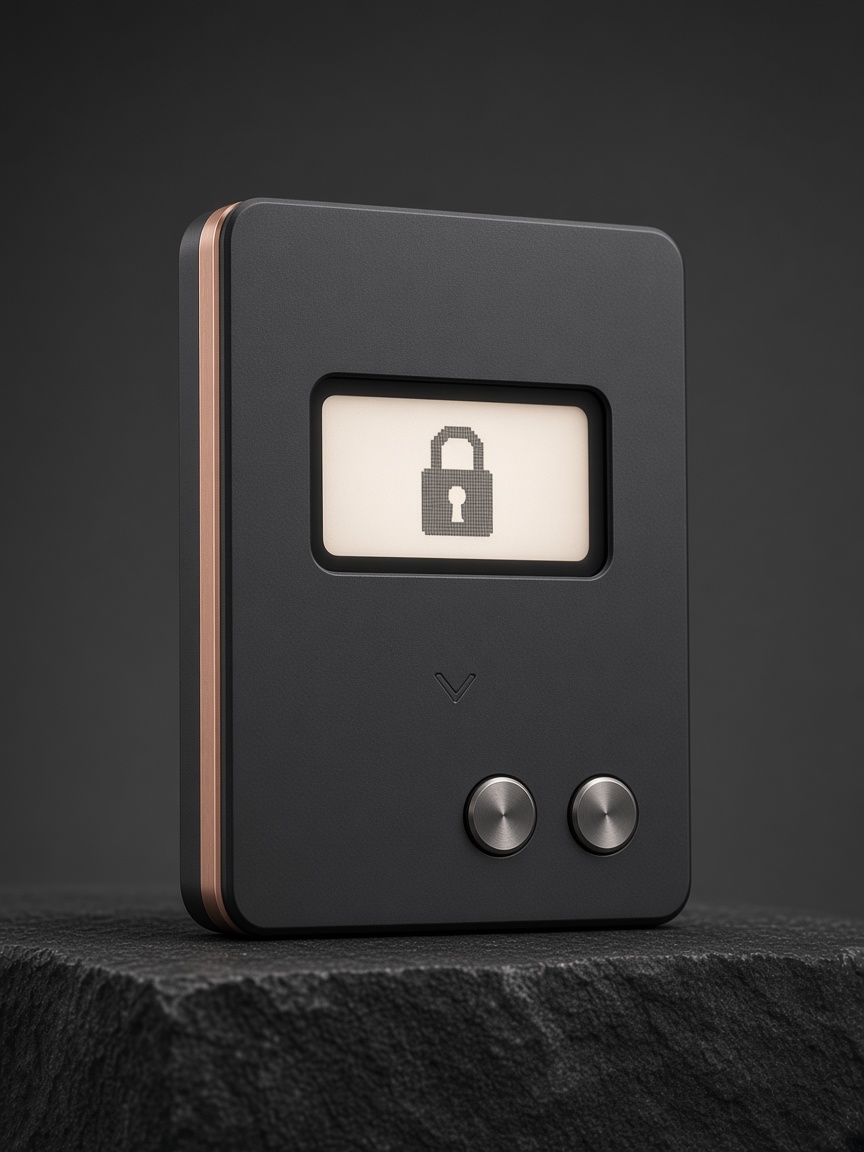
Dedicated signing devices took shape in the early 2010s. One lineage put a readable screen and physical buttons in the hand. Another put the seed inside a secure element, the same class of chip used in payment cards. MaxClaw OS is our synthesis of those two lessons, from a Pasadena studio that used to build payment-terminal hardware.
Journal
The screen-and-buttons idea, the secure-element idea, and why this studio followed both.
A computer can display a substituted address. The device has to show its own.
Twenty-four words, a pen, and a studio that cannot restore what it never held.